
Handle privacy issues or threats · Dental practice managers
A Dental Review Names Another Patient. What Can the Practice Safely Report?
If a Google review identifies another patient, flag the specific disclosure and keep the practice’s own response neutral. A short note showing where the information appears is often enough for colleagues to triage the issue without spreading it.
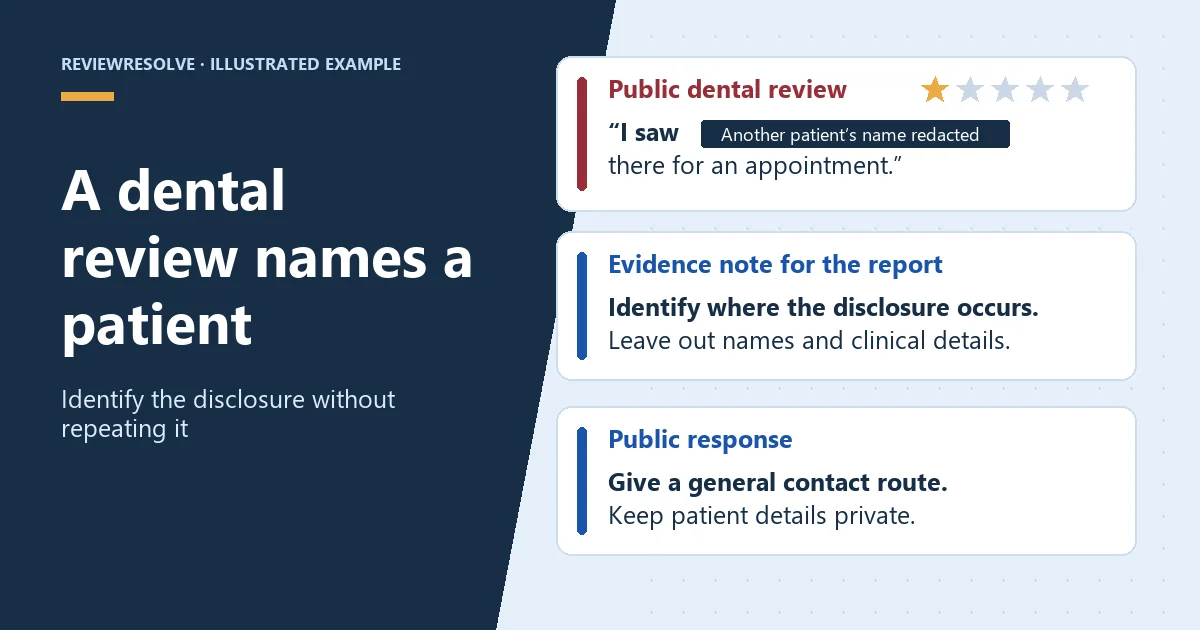
Distinguish a patient's details from criticism of the practice
An unhappy visitor may criticise the wait, explain why they felt uncomfortable or name a dentist who publicly practises under their own name. Google allows respectful negative accounts, and its personal information policy makes room for names of public-facing professionals doing business under their names. The privacy concern is stronger when a review connects an identifiable third person with dental care, a treatment plan, an appointment or other private information.
Start with the words already displayed on the review. A report can describe the location and type of disclosure without republishing the person’s name. Keep the question of whether the post breaches Google’s policy separate from any question about how the information became public. If the practice suspects its own systems or staff were involved, refer that issue internally to the person responsible for information governance. A Google report handles the public content.
Worked example for an NHS or private practice
Imagine a review with three sentences. The first says, “Our appointment started late.” The next names another person in the waiting room and describes their treatment. The last criticises the dentist by the name used on the practice website. The report focuses on the second sentence. The manager records that it links an identifiable third party with dental treatment. The report need not debate the waiting time or argue that the dentist’s professional name is itself private.
| Passage | What it shows | Where it goes |
|---|---|---|
| Complaint about waiting | Feedback about the service | Practice feedback process |
| Identifiable third person and treatment | Possible exposure of another person’s private details | Google personal information report |
| Advertised dentist’s name | Public professional identifier in this example | Look for a separate policy concern |
Prepare a brief handover without copying the disclosure
Write a short internal handover. Add the date and time found, the affected listing, the position of the passage and the reporting status. Limit access to any evidence your own process requires.
Use the account that manages the practice’s Business Profile. Locate the review in Google’s Reviews Management Tool, choose the reason that best describes the issue and record the outcome. If Google later offers an eligible appeal, revisit the exact wording and surrounding context before deciding what to submit. Google makes the moderation decision.
Keep your public reply separate from the report
The General Dental Council’s confidentiality standard covers information learned in a professional role. A practice can acknowledge a concern without saying who attended, what treatment occurred or whether its records match the story. If a reply is appropriate, use the practice’s normal private complaints route and keep the wording neutral.
If you want a free assessment, send the public practice listing, the report status and a brief description such as “the second sentence links another identifiable person with treatment”. Omit patient names, clinical records, photographs and appointment details. Keep any material your practice needs to handle internally within its own secure process.