
Fix a listing or ownership issue · Dental practice owners and practice managers
A Dentist Has Left Your Practice. Which Google Profile Does the Patient’s Review Belong To?
Start with the listing where the review actually appears and the visit it describes. A patient can name a dentist in a genuine review of a visit to the practice. A report is more useful when the review clearly describes a different provider or location, or contains a separate policy issue.
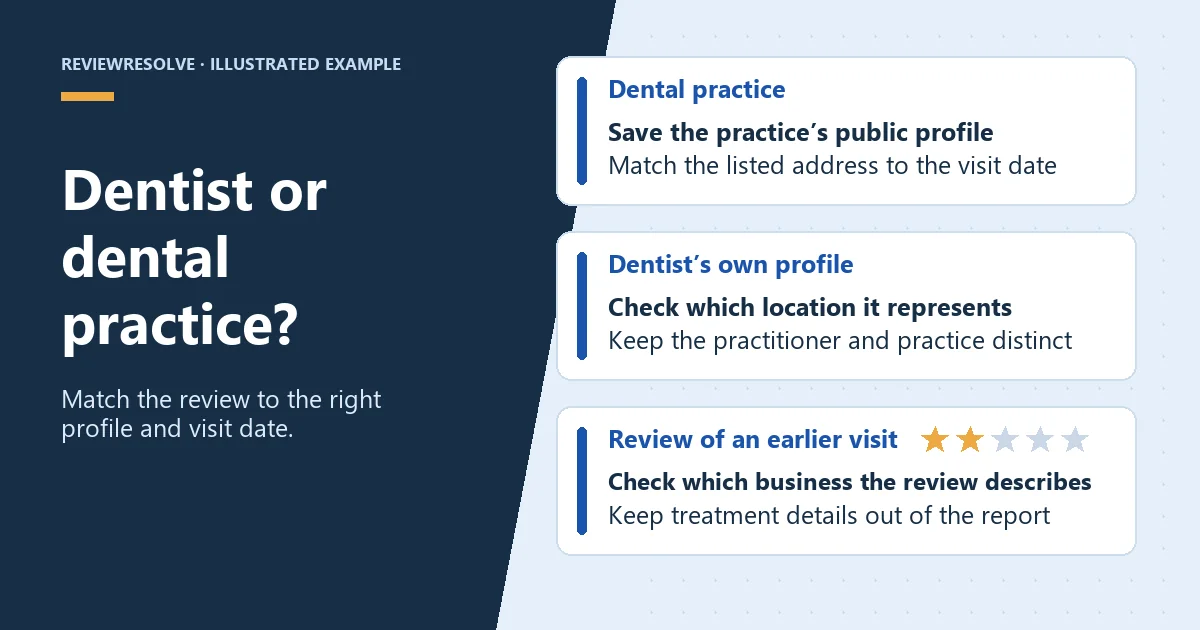
Check the profile and build a timeline
Open the review in Google Maps or Search and copy its direct link if available. Record the profile title, address and public listing link. Then look for the named dentist’s own listing. Google allows a public-facing practitioner to have an individual profile when patients can contact them directly at the verified location during stated hours. At a practice with several public-facing practitioners, the organisation can have a separate location profile. For a sole practitioner working under a branded organisation, Google recommends a shared profile in that situation.
A practitioner’s name in a review does not tell you where it belongs. Check the date of the experience if the review gives one. A review posted in November can describe a visit in September, before the dentist moved. Build a short timeline using public pages, such as a dated practice announcement or current location page. Record when each source was published and distinguish a documented start date from the date you first saw the page.
Compare four situations before you act
| What you can establish | What to check next |
|---|---|
| The review on the practice profile describes a visit there before the dentist left | Treat the departure as context. The visit remains an experience of the practice. |
| The review on the old practice’s profile describes care at the dentist’s next practice | Compare the locations and look for an unambiguous detail about where care happened. |
| The individual profile still points to the previous address | Ask the authorised profile manager to update it. Use Google’s suggestion route if you do not manage the profile. |
| The named dentist or branch is ambiguous | Record what is unclear. A name and posting date alone may not locate the visit. |
Give the report one clear job
Use Google’s profile edit instructions to correct wrong listing details. Google has separate guidance on moving reviews between profiles, with specific conditions. Avoid making a replacement profile or assuming that an individual review can be transferred because a practitioner left.
For a specific policy concern, make the report about the review. Record the profile it is on, the detail pointing to another location and a public source that supports the mismatch. Check the status if a colleague already reported it. The General Dental Council requires registrants to protect patients’ information. Keep appointment screenshots and clinical records in the practice’s approved systems and avoid confirming attendance in a public reply.
Sources
- Google’s Business Profile rules for individual practitioners
- Google’s guide to correcting profile details
- Google’s guide to moving reviews across profiles
- Google Maps content policy
Use the genuine experience and specific location sections for a possible mismatch.
- General Dental Council standards on protecting patients’ information