
Fix a listing or ownership issue · Business buyers and new owners
What happens to Google reviews when you buy a UK business?
If you buy a business and keep its name, Google says the existing reviews stay on its Business Profile. Start by securing access to the right profile. Look at individual reviews afterwards if you can identify a separate policy concern.
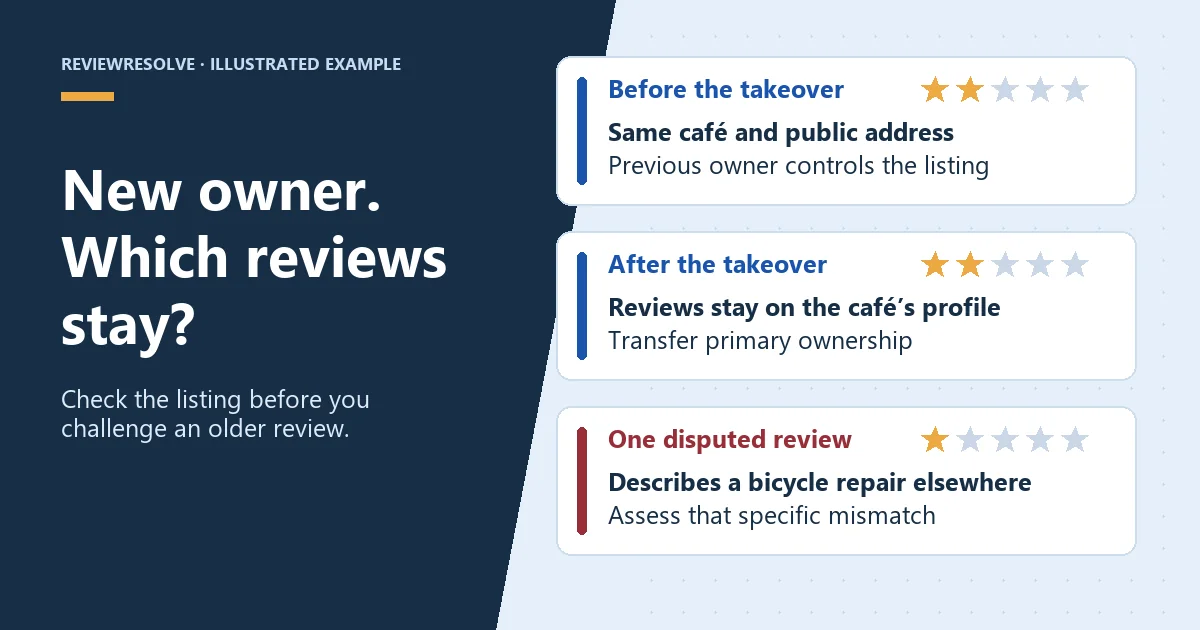
Put the listing in the handover
Record the public Maps link, exact trading name and branch address for each location you are buying. Ask the seller which account is the primary owner and have them confirm who will hold that role after completion. Google lets the primary owner transfer that role to another owner or manager. Existing information, including reviews, stays with the profile on transfer.
If someone else controls a verified profile and you are authorised to manage the business, use Google’s ownership request. Make the change through the profile's access settings and sign in with your own account. Check for a second listing before commissioning any review work. A duplicate can make two legitimate sets of reviews look like an unexplained change.
Read Google’s instructions for transferring primary ownership
Check what changed at the business
| What you inherited | Where to start | What to establish |
|---|---|---|
| Same café, name and address with a new owner | Transfer access to the existing profile | Older reviews stay. Look at what the customer experienced under the former management. |
| Same business and name at a different address | Follow Google’s profile guidance for a move | Some categories, such as hotels, may be treated differently. Verify what Google moved before interpreting the review list. |
| Substantially different public name or business identity | Check Google’s business identity and rebranding rules | Save the old and current public listing links. Google can assess whether the changes meet its criteria. |
| One old review describes a different trading business | Assess the individual review | Identify the passage and compare the business name, location and services using public material. |
Google distinguishes minor name changes from changes that amount to a different business. A different limited company or a new lease date alone does not tell you which rule applies. Compare the public name and business identity first. If there are two profiles, follow the process for the underlying profile problem before asking a provider to challenge several reviews.
A worked handover for a café
The lunch review is about the same business. The buyer can use a brief public reply to acknowledge the feedback and give an accurate update about changes, if relevant. The bicycle review needs a different record. Save the public review link, the exact passage that describes the repair and a public source showing the two businesses or addresses. If those facts support a mismatch, check the reporting reason and whether someone already filed a report.
Decide what to include in a paid enquiry
Send the public listing and the review you want assessed. Explain whether you already control the profile and whether your concern is the listing itself or the review’s content. Leave the sale agreement, account details and customer records out of the enquiry. A scoped assessment of one identifiable review can help establish what is worth doing before you approve paid work.
Sources
- Google Business Profile · moving reviews between profiles
Explains retained reviews after an ownership or management change, relocation and duplicate profiles.
- Google Business Profile · transferring primary ownership
- Google Business Profile · requesting ownership
- Google Business Profile · representing your business
Covers business identity and rebranding.
- Google Business Profile · review eligibility and reporting