
Decide whether to hire help · UK franchise directors and brand operations teams
Can Head Office Commission Google Review Removal for a Franchisee?
Head office can coordinate an assessment, but first identify who may approve paid work for that branch and who can act on its Google Business Profile. Those can be different people. A short handover before commissioning a report makes clear who pays, who submits and who receives Google’s decision.
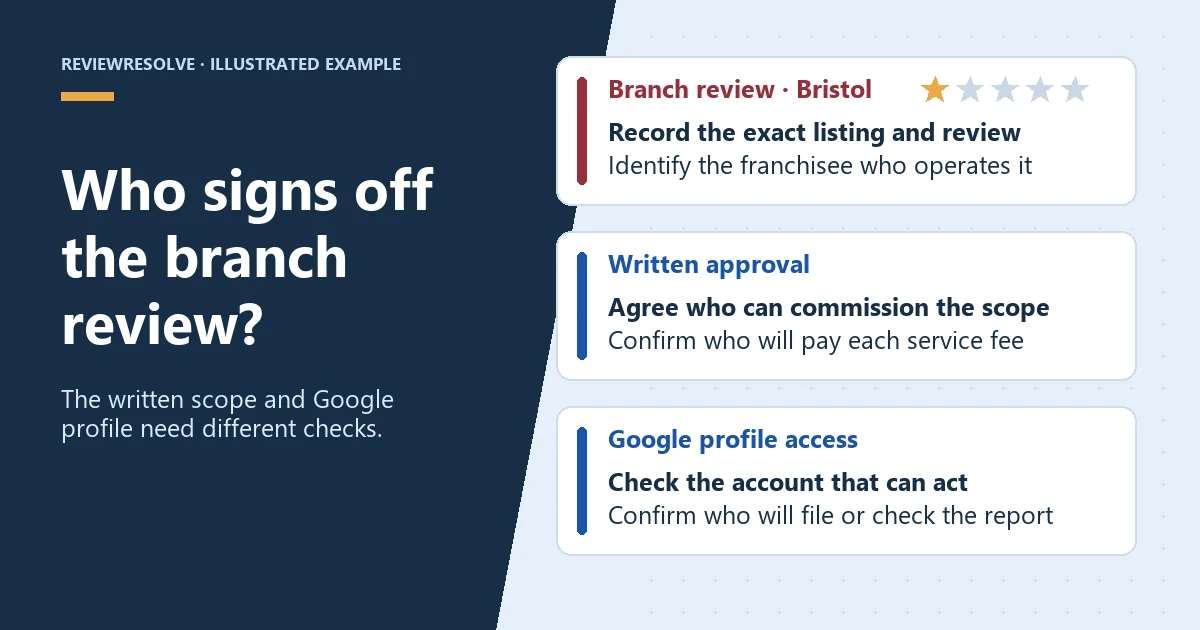
Identify the franchisee, the payer and the Google account
Start with the exact public listing and the trading entity at that address. A brand name shared across a network does not explain who agreed to pay for a specific job. Check who can accept the written scope for the intended payer and record any approval needed from the franchisee or the central team before work begins.
Then identify an owner or authorised person with access to the correct Google Business Profile. Google lets owners invite another user as an owner or manager using that user’s own Google Account. Someone coordinating a report can collect the public links and prepare a handover while the branch’s authorised user takes any step that needs its account. Keep passwords and verification codes with the account holder.
Write three decisions next to each public review link
| Confirm | Record | Why it matters |
|---|---|---|
| The branch and review | Listing address, review link, current Google reporting status and the suspected policy concern. | A dispute about one operator should reach the correct listing and existing case. |
| The paid scope | The entity taking the invoice, the person approving it, named reviews, the agreed fees and whether follow-up is included. | A central budget can cover preparation for one review while the others remain outside the order. |
| The action in Google | The authorised account holder who can check the report, submit if required and share the result internally. | The payer may never see Google’s decision email. |
If the team cannot identify the review or the relevant account, prepare a short assessment request with the branch address and public wording. Ask the franchisee to confirm what work and account action they can support before anyone accepts a paid scope.
Head office funds the work and the branch acts
For one approved review, the preparation fee is £29. If Google removes it, a further £99 brings the service fees to £128 before applicable tax. When another branch sends a second review, head office opens a separate line in its approval record. Charging the central team for the first review does not authorise work or account changes for the second.
Sources
- Google Business Profile Help — profile owner and manager roles
Explains invitations, profile roles and using individual accounts.
- Google Business Profile Help — eligibility and ownership
Sets out who may manage business information and Google's expectations for authorised representatives.
- Google Business Profile Help — review reporting and appeals
Explains how to check or act on a report through the associated Business Profile.
- ReviewResolve UK fees and calculator
Shows preparation and per-removal fees before applicable tax.