
Report, track or appeal a review · UK branch managers with a previous review report
A Google Review Disappeared and Came Back. Is It the Same Post?
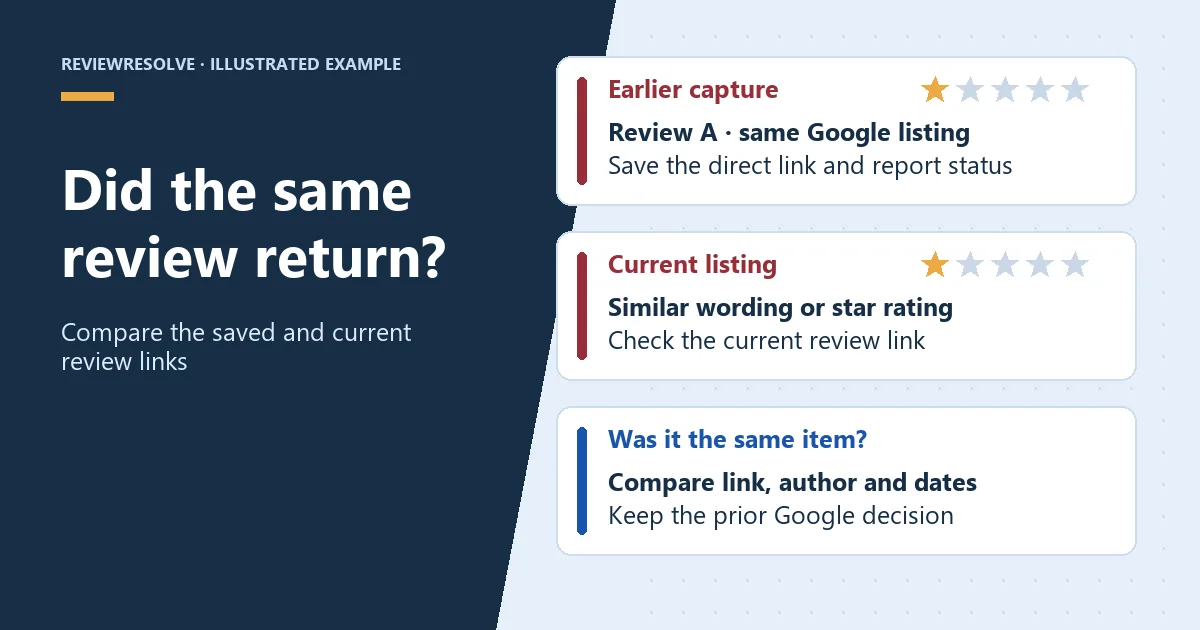
Start with the saved direct link to the review and the affected branch’s Business Profile. Check what the old link opens today, capture the current review’s link and compare both to any decision from Google. A familiar account name, rating and complaint are useful clues. The links and report history are more useful for deciding whether to reopen the case.
Check the branch and preserve both references
Find the exact business address behind the listing before comparing reviews. That matters for a salon with two branches under the same brand and for an operator whose Business Profiles were recently merged. If you see the review in one place and cannot find it in another, record which listing and Google surface you checked, the date and time and whether the direct link resolved.
Capture the current rating, wording and displayed date. Save a link to the individual review if Google offers a Share action. Compare it with an earlier screenshot or saved link. Check which date is an observation date and which is simply what the review displays. Google says that editing a review changes the date shown on the post. A newer date can therefore be consistent with an edit.
Use the case history to decide what to do
Open Google’s Reviews Management Tool
Open the Reviews Management Tool with the account that manages the listing and check the earlier report. Google describes several reasons for delayed or missing reviews, including a recent profile merge. Its help page says reviews removed for a policy violation will not be restored. Treat confirmation from Google differently from a colleague’s note that a review was temporarily absent from a search result.
If the old direct link still opens the same review on the correct listing, keep the old and current evidence with the existing case. When the wording has changed, check whether the current content still supports the policy concern. If the review on screen has a different reference and your original link does not reach it, record it as a separate candidate for review and check the current post against the policy.
If a report remains pending, keep monitoring the same case. If Google declined it and offers an appeal, the updated comparison can help you decide whether to use the one-time option. If a confirmed removal and what you can now see appear inconsistent, bring Google the original decision and both references. A new report should be supported by the facts of the specific post.
A comparison log for a two-branch business
Imagine a fictional optician with two branches in Leeds. The manager saved the link to a rating on the city-centre branch and noted that its text referred to the other branch. The link was temporarily unavailable to a colleague. When the review was visible again the next day, the original direct link pointed to a shorter version of the comment on the same listing. The manager stores an updated screenshot with the report reference and checks whether the remaining text still establishes a location mismatch.
| Record | Earlier observation | Current observation |
|---|---|---|
| Business Profile | City-centre Leeds branch | Same branch |
| Direct review link | Saved with first screenshot | Original link opens the current post |
| Wording | Mentions the second branch by address | Shortened. Address absent. |
| Google decision | Report submitted | Pending when checked |
Ask for help with a reference and a specific question
If there is still a possible breach, tell us which policy concern you want assessed and give us the public link, the precise branch and the latest status. Explain whether Google actually confirmed removal or you simply could not see the review for a time. This allows us to assess the current review and any available follow-up without assuming a second case is needed.