
Report, track or appeal a review · UK owners awaiting a Google review decision
Google says our review report is pending. Is it worth paying for help?
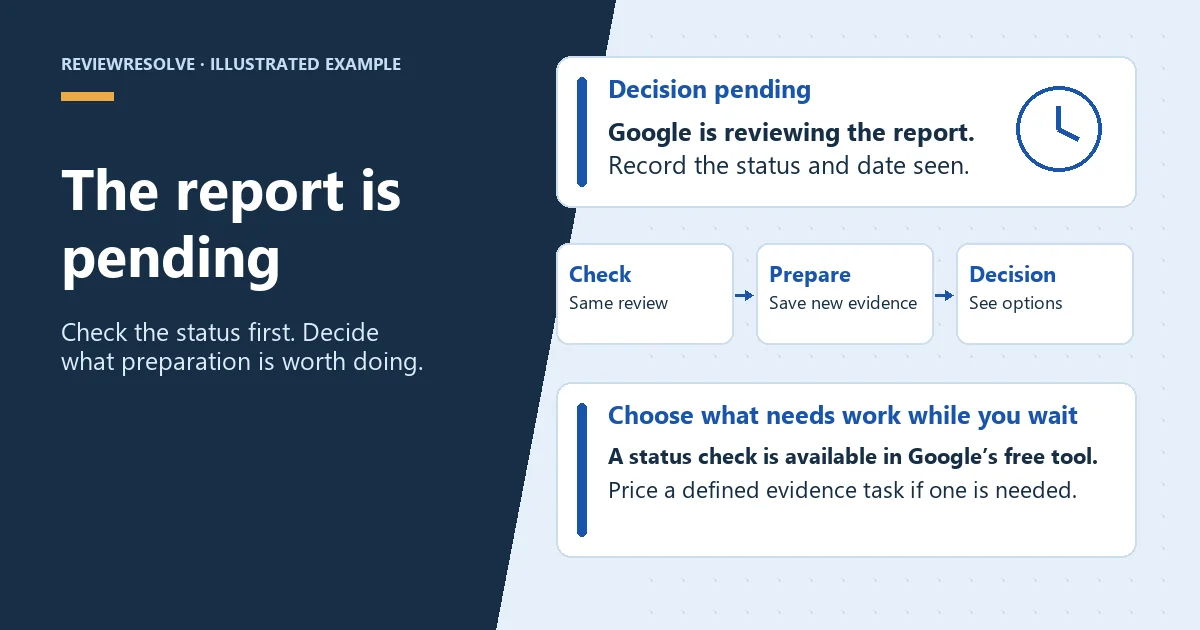
If Google shows that a review report is pending, it has yet to evaluate the report and issue a decision. Check the exact review in Google's free tool. Only pay for work at this stage if you can name an evidence gap or a defined task that is worth handling now.
In this update Clarified how to confirm an appeal outcome when the status screen still says escalated.
Check the exact item and put one person in charge
Open the Reviews Management Tool with a Google Account associated with the correct Business Profile. Select the business or branch and look at previously reported reviews. Google's pending status means it has received the flag and has yet to evaluate it. Save the public review link, branch, date reported if known, reason selected and the date you checked. One person can own the next check so colleagues and agencies work from the same record.
Decide whether there is a job worth paying for
| What you know | Next step | Where paid help can add value |
|---|---|---|
| The original report addresses a clear concern and the evidence is already saved. | Monitor the existing status. Set a reminder for the named case owner. | A fee for a second routine status check adds little. |
| A possible policy breach depends on a fact you have yet to verify. | Identify the missing fact. Save the public review and current wording now. | Consider a scoped evidence check if you need help establishing the difference between two branches or services. |
| The report was prompted by a low rating or disagreement with the customer. | Check whether any other factual concern matches Google’s policy. Handle ordinary service feedback with your usual process. | Ask for an assessment if you can point to a specific policy concern. |
| Someone has demanded money, goods or services to remove negative reviews. | Save the demand and affected review links. Follow Google’s merchant extortion reporting instructions. | Use the dedicated Google route promptly. Seek outside help separately if there is evidence to organise. |
A paid scope can produce a short policy analysis, a set of public evidence links or a draft for an eligible appeal if Google later offers one. Ask which of those you would actually receive. Google controls the timing and result, and its reporting and status tool is free. Set a budget for a defined deliverable before committing.
A pending case at a kitchen showroom
If the partner acted for the showroom, the report may need a different interpretation. If public information clearly identifies another business, the manager can preserve links and dates for an eligible appeal or a scoped assessment. They leave the original status in the case record until Google changes it.
Match the next action to the decision
After an appeal, check the email on the account that submitted it for the final decision. Google explains that a review can remain live with the status reading ‘Escalated – check your email for updates’ even after it has decided the review complies with policy. Save the decision email alongside the review link and note whether the review still appears.
If Google finds no policy violation, check whether it offers the one-time appeal and decide what evidence would improve it. If an appeal has already been escalated, check the relevant email for its outcome. Keep the review link and dated status together. If there is no actionable evidence, the useful next step may simply be recording what happened and moving on.
Sources
- Google Business Profile Help · review reports and appeals
Defines the pending and later statuses and explains the eligible one-time appeal.
- Google Maps content policy
Helps identify which specific review facts could raise a policy concern.
- Google’s merchant extortion guidance
Gives a dedicated route for demands connected to negative reviews.