
Handle privacy issues or threats · UK employers, office managers and branch leads
A Google review quotes an email and exposes a staff member’s private phone number. What should you report?
Identify the passage that exposes the employee’s private number and ask the employee privately whether they agreed to its publication. A review can describe a real complaint and still disclose personal information. Keep the review link and an exact description of where the disclosure appears so the person reporting can point Google to it.
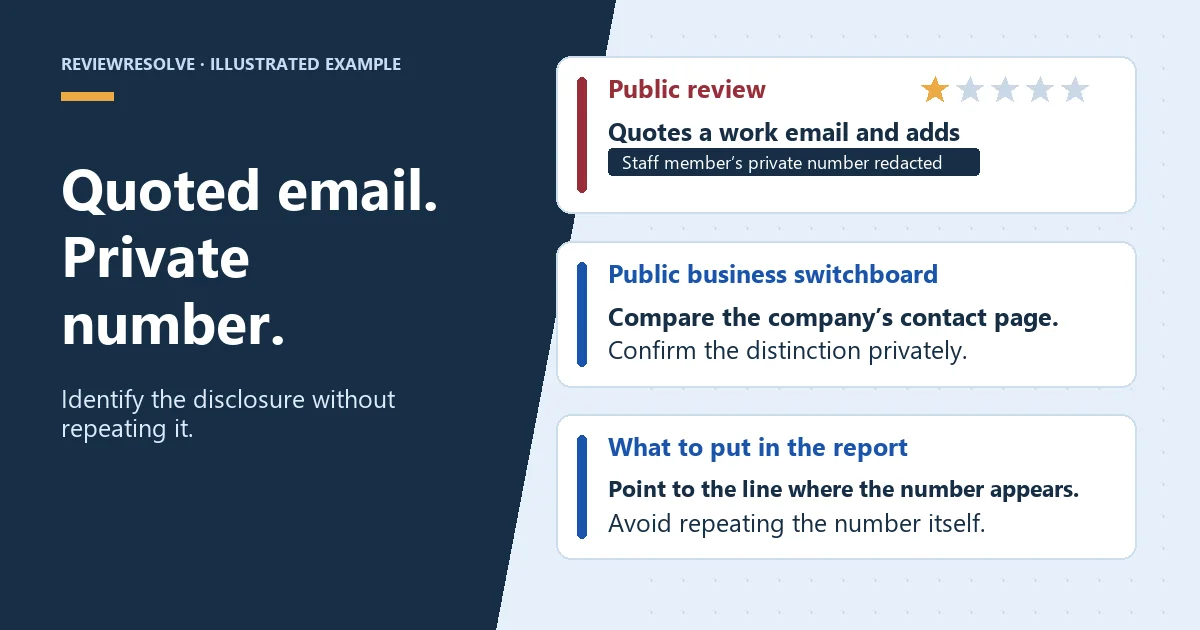
Separate the email quote from the contact details
Start by opening the original review. Distinguish the text about the customer’s experience from any signature, header or attachment they reproduced. Check which details the employee intended to share publicly. Google’s personal information policy focuses on identifiable information shared without consent when disclosure risks harm.
| What appears | What to verify | How to describe it |
|---|---|---|
| A sentence from a service email | Check whether it merely relays what the customer was told or identifies an employee through information they keep private. | Treat the service account on its own facts. Point out any specific disclosure. |
| The staff member’s personal mobile | Check privately that it belongs to them, what it was used for and whether it was publicly listed or shared with permission to publish. | Locate the number in the quoted signature or passage. Describe it as private only if you can support that distinction. |
| The advertised branch switchboard | Check the business’s public contact page or profile. | Record it as the published business number. Google separately lists phone numbers, email addresses and external links in user reviews in its advertising and solicitation policy. |
Use the public contact page to establish the official business line. Ask the person affected privately who uses the other number and whether it is public. A work mobile advertised for booking calls and an employee’s personal phone are two distinct facts to record.
Record enough to identify the review
- Save the public review link, the correct Business Profile and when you saw the disclosure. Note the exact location of the number, such as the signature in the third paragraph.
- Give anyone preparing a first assessment the location of the passage and an explanation of the concern. Keep the number, email thread and any private evidence out of correspondence that does not need it.
- Use the appropriate report option in Google’s review tool. If a report was already filed, check its status before deciding whether a one-time appeal is available.
A worked example from a service desk
The case note identifies the review and says the last line of the quoted signature contains the employee’s private mobile. It points to the public contact page for the official switchboard. The manager handles the delayed appointment through the normal complaints route and leaves the contact details out of any public reply.
Sources
- Google Maps content policy
See personal information and advertising and solicitation for the distinct rules.
- Google Business Profile reporting and appeals
Explains how to flag an individual review and check a previous decision.