
Check whether a review can be challenged · Gym group operators and branch managers
A member moved gyms and reviewed a different branch. What should the operator check?
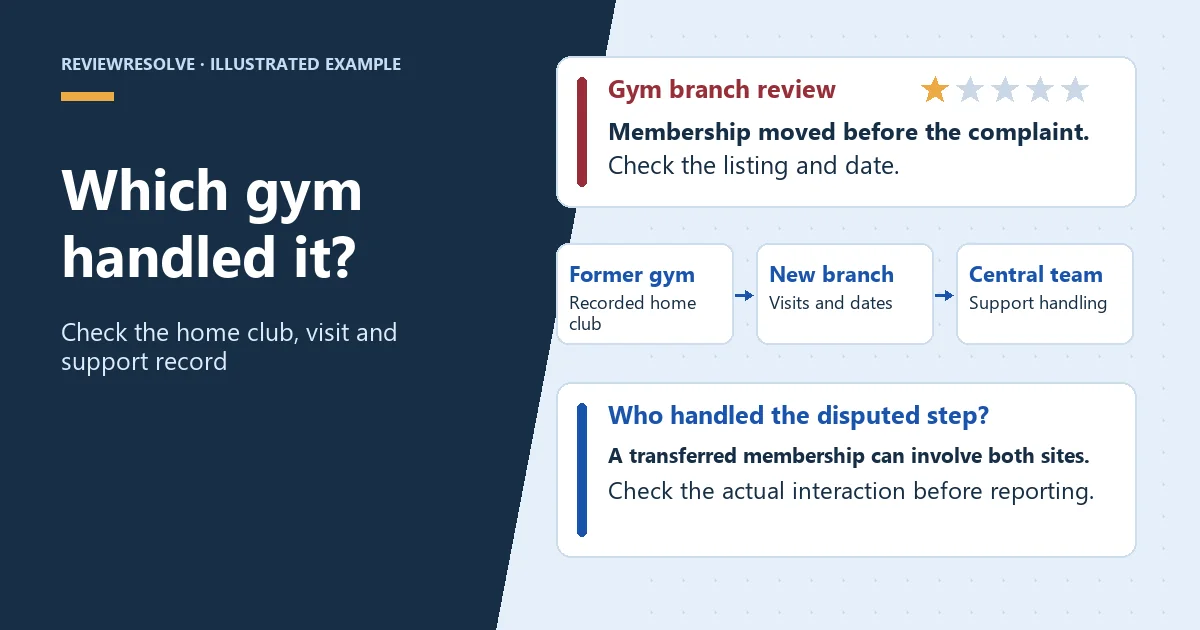
Start with the branch and date the review actually describes. A membership transfer may change the home club without changing where a visit happened or who handled a cancellation request. Check those records separately before deciding what belongs on the reviewed listing.
Make a timeline before you contact the member
Save the Google review link and the public listing it appears on. Make a private note of each event the review describes and the best date you can verify. Look up the home club in force at that time, any later effective transfer date and the branch or support team that handled the disputed request. Keep the original complaint and the business’s later actions separate.
A shared membership can make more than one club relevant. PureGym’s published terms give a concrete example of home-club changes connected with use of additional gyms, and its contact page directs several membership tasks to its Members’ Area. Use the rules and service channels that applied to your own member at the relevant time. One operator’s terms do not establish another’s responsibilities.
Read PureGym’s terms as an example of home-club arrangements
Ask who handled the particular complaint
| What the review describes | Check first | Important limit |
|---|---|---|
| Access refused at the old club before the transfer | The date, applicable access entitlement and that club’s incident record. | The current home-club setting cannot explain the earlier visit by itself. |
| A cancellation request after the transfer | The channel that received the request and the team that handled it. | The billing team and the branch that helped the member may be different. |
| A coach, class or changing room at another gym | The club name spoken or written in the review and each relevant public address. | A guest or multi-site member may have visited a club outside their home membership. |
Use the public location evidence only where it helps
If the review documents dealings with the branch or the group’s support, address the relevant complaint through a private channel. If the person describes only a different business or location, write down the exact mismatch and compare the public addresses and services. Google’s Maps policy focuses on genuine experiences and contributions about the place. A transfer by itself gives Google little to assess.
When seeking help, include the public Google review, the two listings and the event order. Keep member IDs, access logs and payment details within your authorised records. If the location or contact channel remains unclear, say what is unknown.
Worked study of routing six fictional gym complaints
Each fictional member’s current home club is coded B. Compare that default with the team the dated event would require the manager to contact first. When the recorded team is B, mark Same first check. When the record shows A or Central, mark Different first check. If the reviewed event does not identify a team, mark Unknown. To reproduce the chart, count the Outcome values in the table. The examples test a routing shortcut. They do not predict whether Google will remove a review.
- Same first check2
- Different first check3
- Unknown1
| Case | Event noted in the review | Current home club | Dated event’s first check | Outcome |
|---|---|---|---|---|
| A | Access recorded at old club before transfer | B | A | Different first check |
| B | New club attended on transfer date | B | B | Same first check |
| C | Cancellation handled through group app | B | Central | Different first check |
| D | New club team dealt with a class complaint | B | B | Same first check |
| E | Old club team logged a complaint after transfer | B | A | Different first check |
| F | No club, date or channel mentioned | B | Unknown | Unknown |
Sources
- PureGym’s published membership terms
An operator example covering home gyms and membership services.
- PureGym’s membership contact and support page
Examples of tasks handled online and through support.
- Google Maps review content policy
- Google Business Profile review reporting