
Handle privacy issues or threats · Nursery managers and early years safeguarding leads
A Google Review Identifies a Child at Your Nursery. What Should You Report?
Send the review to the person responsible for privacy or safeguarding at your nursery and record where the identifying detail appears. A brief locator such as ‘second sentence identifies another child’ gives staff a practical starting point. Keep the child’s name, image and family details out of routine messages and public replies.
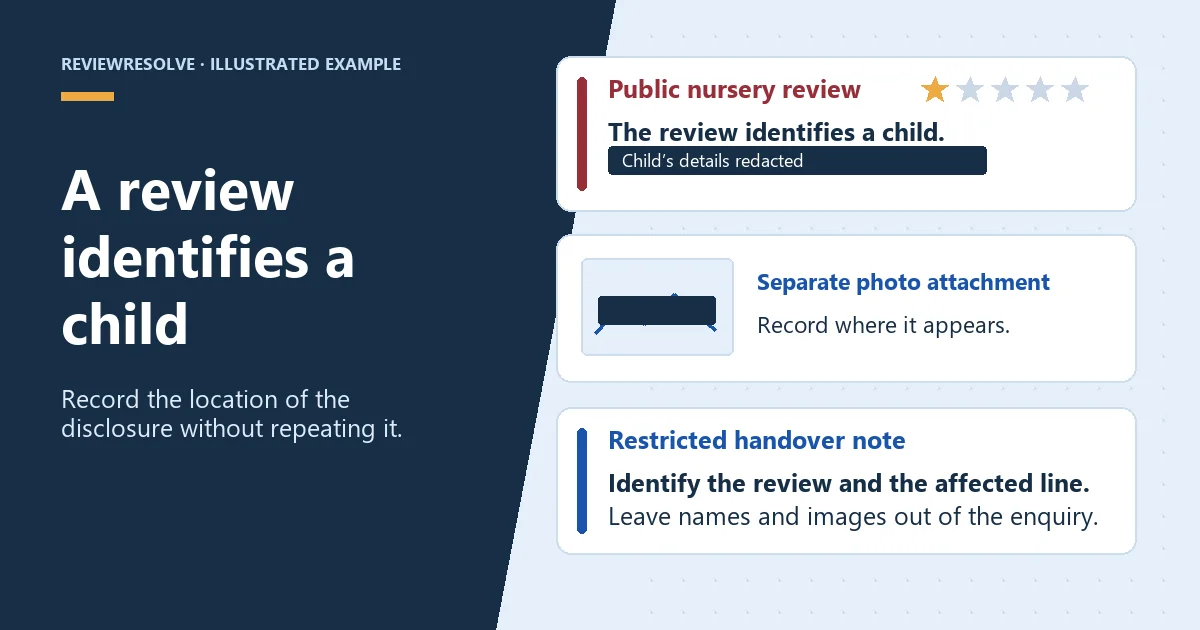
Identify the part that exposes information
Open the nursery’s listing and check whether the identifying detail is in the text, a photo, or both. It may be a full name or a recognisable face. A combination of clues such as a room, regular pickup time and relationship can also make a child identifiable. Google’s Maps policy addresses personal information posted without consent, including identifying names and imagery. If consent is unknown, describe the material and what you know without asserting facts you cannot verify.
| Material | Minimum locator for the internal note | First Google route to consider |
|---|---|---|
| Criticism of pickup queues | Identify the review and describe the service concern | Handle through the nursery’s complaints process unless a separate Google policy issue applies |
| A third party names another child in review text | Paragraph or sentence position, review link and when seen | Report the review using the available reason that best describes the disclosure |
| A recognisable child appears in a photo | Location of the image on the listing and which item it is | Use Google’s inappropriate photo or video route for that item |
Hand the issue to the right person without forwarding the details
In your restricted record, add who is handling it, the time you last checked the item, any report status and when someone should check again. Follow your nursery’s evidence handling and retention process if an authorised person needs to keep a copy. The ICO’s early years guidance highlights the need to keep children’s data secure, including where sensitive or safeguarding information is involved.
If the content suggests a safeguarding concern, use your setting’s safeguarding process alongside the Google report. The appropriate safeguarding service can act on the concern even while the review remains visible. GOV.UK provides a direct reporting route and says to call 999 if a child is at immediate risk.
Read the ICO’s data protection guidance for early years settings
Report the item and keep the public response brief
Report the review text using Google’s review workflow and the image using its media instructions where applicable. Check and record the status of each report separately. If the review is declined, use Google’s status tool to see whether the one-time appeal is available. Describe the location and nature of the disclosure without repeating what identifies the child in a public reply.
If a public response helps, use a general invitation such as ‘Please contact the nursery manager through our website so we can look into your concern privately.’ Keep the question of attendance and the identities of children or relatives in the appropriate private channel.