
Respond to a review · Private GP practice managers
How Can a Private GP Practice Reply to a Google Review Without Confirming Who Is a Patient?
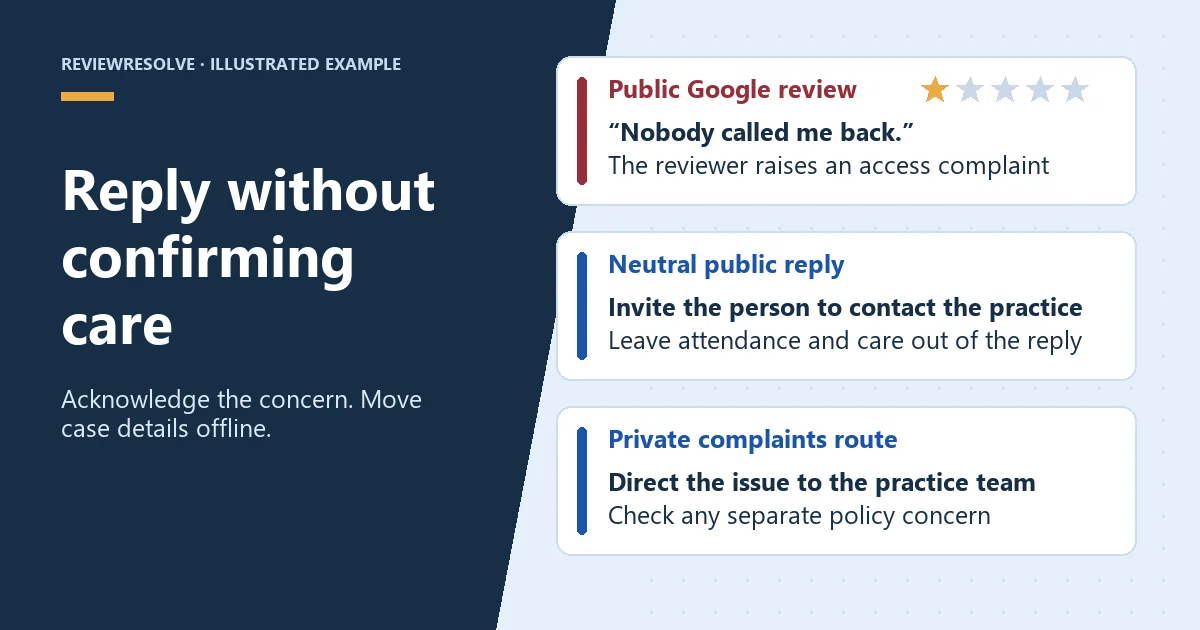
A practice can acknowledge that someone has raised a concern and point them to its private complaints route. Keep the public reply general, even when the reviewer appears to have shared their own details. If the post raises a Google policy concern, consider reporting it separately.
Decide who should see the review
Give the review to the person responsible for practice feedback. Ask them to separate any issue for the internal complaints process from the decision to post a public reply. If an allegation needs urgent clinical or practice follow-up, use the practice’s usual process. A reply under the review does not investigate the complaint or make it suitable for a public exchange.
The GMC’s guidance for medical professionals covers public criticism, including on social media. It says to protect confidential information and warns that a denial can reveal details by inference. If the review gives a date and a treatment, a reply that disputes only the treatment may appear to confirm the date. Apply the same care to a glowing account as to a one-star review.
Test the draft against what a reader could infer
| Draft the practice considers | What readers might learn | A better handling route |
|---|---|---|
| “We checked your notes and found no error.” | The practice has a record for this person. | Use the private complaints process. |
| “The doctor offered you another appointment.” | There was an appointment and further care was discussed. | Keep the content of the conversation private. |
| “We cannot discuss individual matters in public. Please use the complaints contact on our website.” | The practice gives the same general route to everyone. | A public acknowledgement may be appropriate. |
Avoid addressing the reviewer as an established patient or quoting information they chose to post. Read the draft alongside the original review. Remove names, exact events and phrases that only make sense if the person used the service. Publish a short general reply when it helps someone find the right contact. A practice can also handle the concern privately without posting a reply.
Have an authorised colleague review any draft that mentions the allegation. If the practice has already published a reply that identifies someone or reveals case details, Google’s reply tools allow the practice to edit or remove its own response. Take the issue to the practice’s information governance lead so they can decide what follow-up is appropriate.
Use one response for any reviewer
Read Google’s instructions for posting or editing public replies
Check whether the post raises a separate policy issue
A complaint about a callback or cost may start a private complaints conversation. If the same review also publishes another person’s private details or contains a threat, identify that part of the post and check Google’s policy. Use the practice’s reporting access and describe the issue without repeating sensitive wording. If a report is already open, check its status before submitting another.
Keep the affected practice listing, the public review reference if suitable and the status of any Google report. Leave patient identifiers, case details and screenshots with private information inside the practice’s secure handling process.
Sources
- GMC confidentiality guidance for responding to public criticism
Covers public criticism in print, broadcast and social media.
- GMC guidance on social media and patient confidentiality
See paragraphs 18–20 on confidentiality and how details can identify someone when combined.
- Google Business Profile guidance on public replies
- Google Maps policy on private information and harassment