
Fix a listing or ownership issue · UK salon owners opening in previously occupied premises
A salon’s new premises have Google reviews about the previous tenant. Which listing is it?
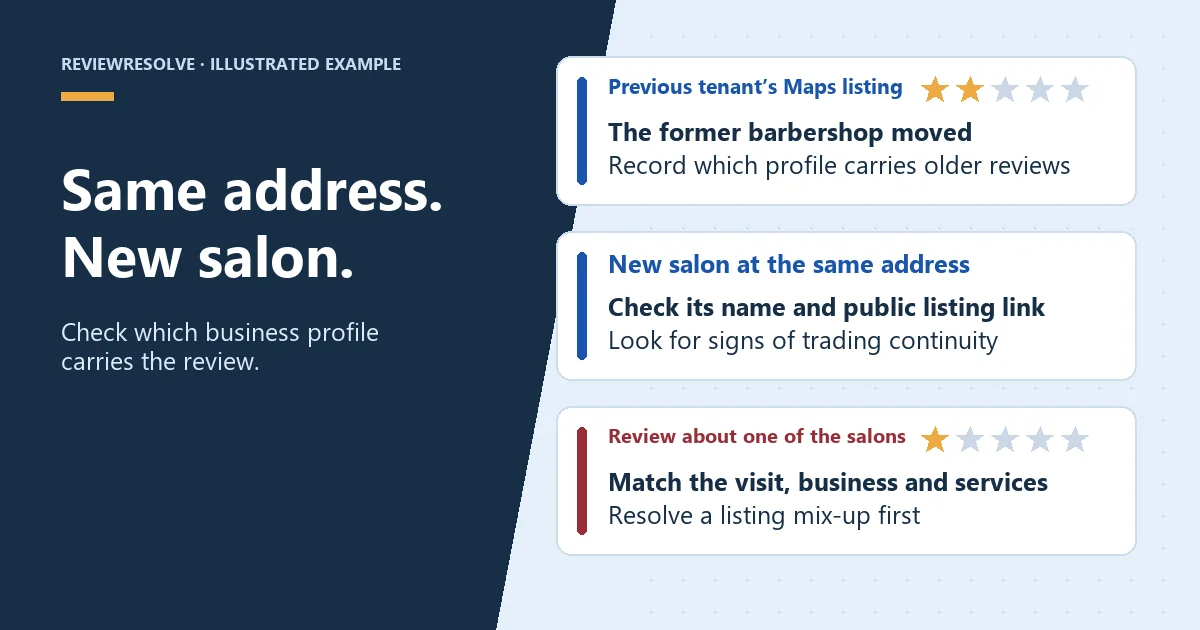
Open each Maps result and check the business name at the top of the review. An old salon’s profile can still appear for the address, even after it closes. If reviews for another business actually sit on your own profile, establish whether Google is mixing up the listings before reporting individual reviews.
Give each business its own line in your notes
Search for your salon’s exact trading name and then search for the address. Save the public link for each profile that appears. Compare the name, website, contact number and current shopfront. Check which profile opens when you select an old review or a link from your booking page. The Maps pin and street address alone cannot identify which business the review describes.
Record when your salon began serving customers under its current name. If the previous tenant still trades elsewhere, look for its published relocation notice. If you took over the previous business under the same name, Google says existing reviews can remain. The profile rules for a continued salon differ from those for a separate business that opened in the same unit.
Match the visible problem to the right route
| What you see | Evidence to save | Where to start |
|---|---|---|
| The review opens the old salon’s own profile. | Its Maps link and a public notice that it closed or moved. | If the operating status or address is out of date, use Google Maps’ edit route for the previous tenant’s listing. |
| Two unrelated businesses exist, but Google has marked your salon as a duplicate or combined the profiles. | Both public links, separate trading names and supporting shopfront or website evidence. | Use Google’s duplicate-profile support guidance. |
| A specific review is on your correct salon profile and describes the previous tenant’s services. | The review link and a short comparison of the two salons’ names, services and dates. | Check whether the review raises a clear relevance or genuine-experience issue. |
| Your booking link sends customers to the former tenant’s profile. | The booking page and the Maps link it opens. | Correct the booking link you control and retest where customers land. |
Review individual posts after the profile check
Once you have identified your own listing, open any review that still seems out of place. Save the direct link, displayed date and the exact detail that identifies the other business, such as a service your salon never offered. An older date helps orient the search. The trading identity and account of the visit give the assessment more context.
Send the public facts first. A link to the old salon’s announcement, your service page and the affected review can identify the issue without appointment records, lease documents or customer messages.
Use the Google Maps guidance for a place that has moved or closed