
Report, track or appeal a review · Incoming UK branch and practice managers
The manager who reported our Google review has left. How do we find its status?
Start with the exact branch on Maps and a current account authorised to manage its Business Profile. Then look up the review in Google's Reviews Management Tool. If part of the record is missing, write down what you can verify before deciding whether anyone needs to report or appeal.
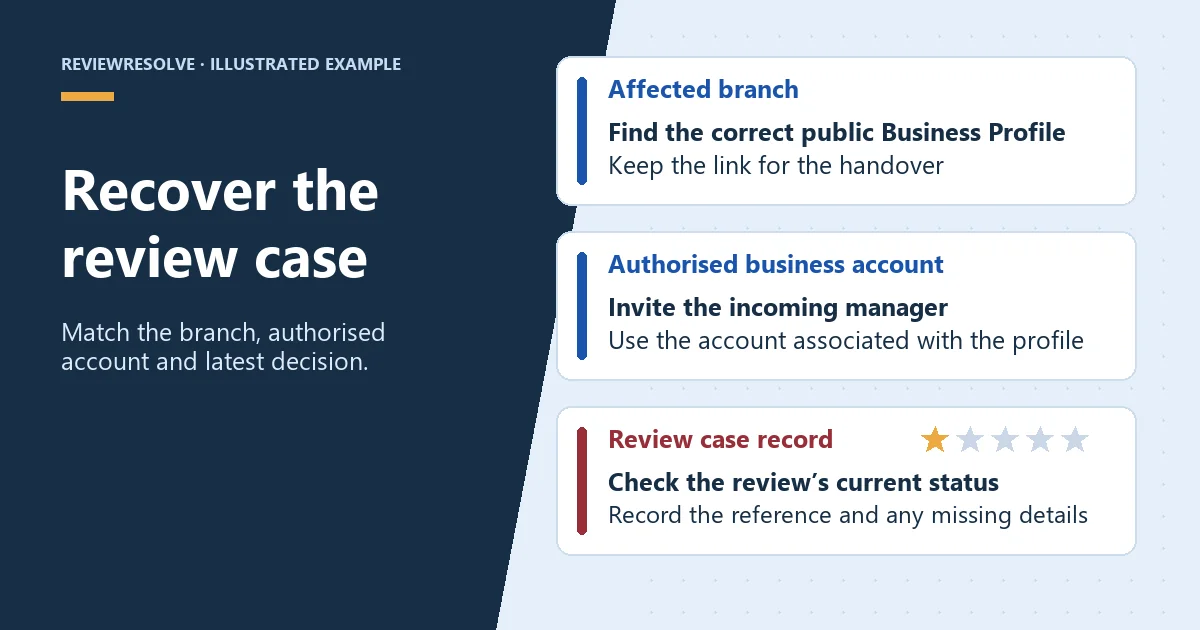
Find the listing and restore the right access
Save the public listing link and full branch address first. Use a work Google Account already linked to that profile, or ask an existing owner to invite your own account in People and access. Google gives owners and managers different permissions. An existing authorised owner can help with invitations and access changes.
| What you find | Next step |
|---|---|
| A current profile owner can sign in. | Ask them to invite the new manager’s own account. Confirm the invitation names the correct branch. |
| The former manager is still the primary owner. | Check Google’s transfer instructions. Where the primary owner can help, arrange a formal transfer. Google restricts certain ownership changes for newly added accounts during their first seven days. |
| Nobody in the current team can manage the verified profile. | Follow Google’s verified-profile ownership request instructions. Use the matching business location and profile type. |
| Several similar listings appear for different branches. | Use the public address and listing link before changing access or searching the review history. |
Rebuild one source of truth for the report
- Locate the exact review from its link in a ticket, an authorised company mailbox or a branch handover. If you have only a capture, record the branch, published wording and date visible so your team can try to match it.
- Choose the correct business in the Reviews Management Tool and look for reported review status. Record what is displayed and the date you checked. Compare it with any authorised copy of a decision email.
- If you cannot match the report, mark the status unknown and record which account and listing you checked. Ask a current owner or case contact what else can be verified. Have the business handle any mailbox access through its own approved process.
A new branch lead finds the previous report
The manager logs who will check the status, which review it concerns, and where a company copy of the eventual decision should go. If an appeal option appears, the branch can now review the evidence against the exact status. Before paying anyone to help, the manager can show whether help is needed with access, the record or the policy concern.
Sources
- Google guidance on Business Profile owners and managers
Explains account invitations, permissions and role restrictions.
- Google’s primary ownership transfer instructions
- Google guidance on requesting Business Profile ownership
- Google Business Profile review reporting and appeals guidance
Explains choosing an associated account and checking the review tool and appeal result.